Most knowledge workers leave dozens of keystrokes underutilized every single day, creating invisible productivity drag. Here is how enterprise developers and power users are reclaiming their workflow through advanced key remapping.
The Hidden Productivity Drag on Your Desk
For decades, the QWERTY layout has remained the unchallenged standard of human-computer interaction, a physical artifact born from the mechanical constraints of 19th-century typewriter engineering. Yet, as software development environments grow increasingly complex and executive workflows shift toward rapid multi-application multitasking, millions of knowledge workers continue to operate with a legacy hardware interface that is fundamentally unoptimized for modern digital velocity.
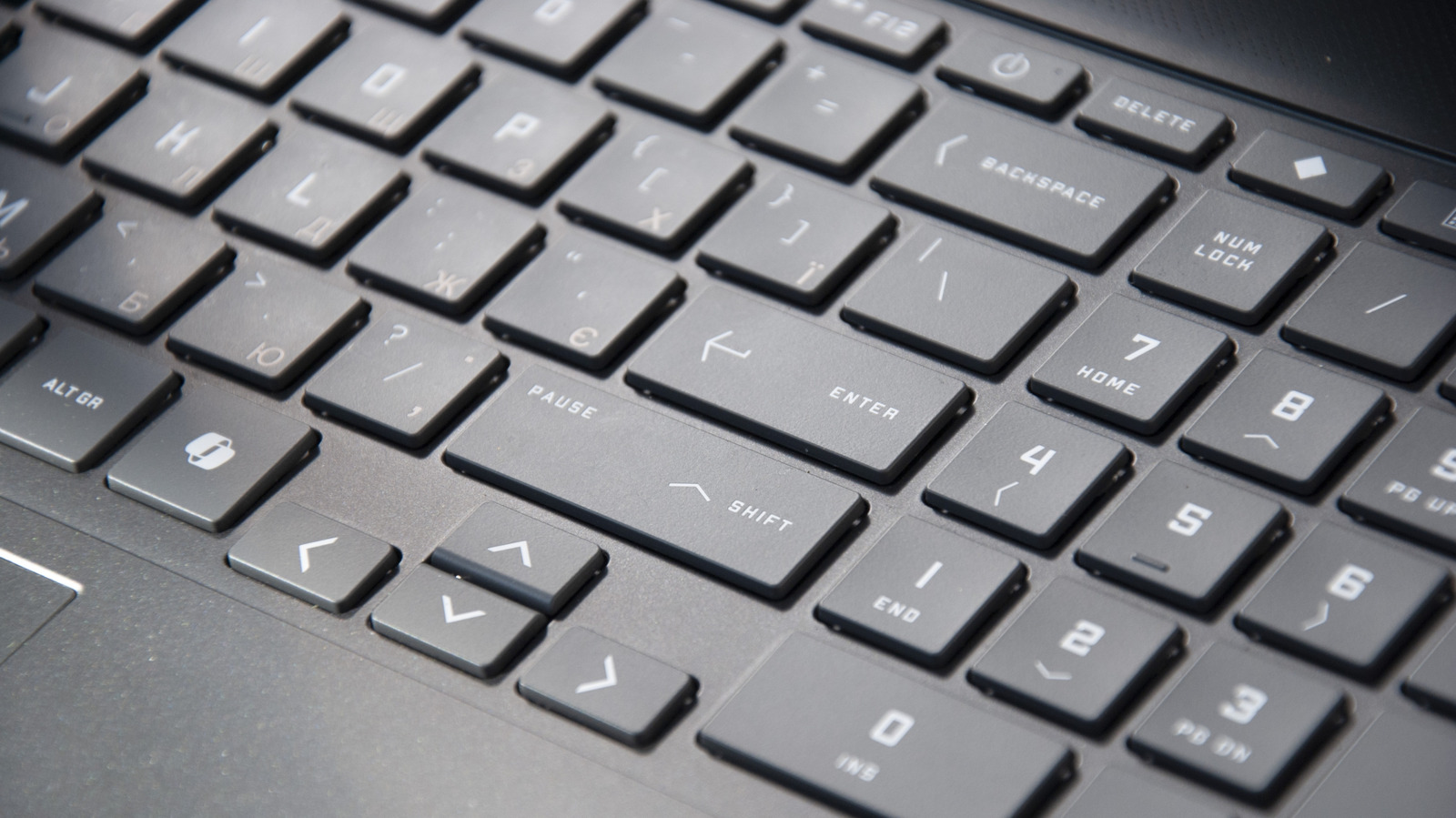
Look closely at any standard 104-key or tenkeyless mechanical keyboard, and you will find an array of cryptographic and functional relics: the Scroll Lock key, the Pause/Break key, the Insert toggle, and the often-forgotten Caps Lock. For the vast majority of software engineers, financial analysts, and corporate executives at Fortune 500 enterprises, these keys sit untouched for months, representing wasted physical real estate on devices that cost upwards of $200.
In elite engineering bullpens from Silicon Valley to New York's Financial District, a quiet ergonomics and efficiency movement is underway. Professionals are no longer accepting default hardware assignments. By reclaiming underutilized keys and deploying sophisticated remapping software, power users are eliminating micro-frictional movements that compound into significant cognitive fatigue and lost hours over the course of a fiscal quarter.
Deconstructing the Keyboard Real Estate Crisis
To understand the magnitude of the inefficiency, one must analyze the biomechanics of modern typing. Every time a software developer reaches across the keyboard to hit an infrequently used function key, or removes their hands from the home row to navigate a mouse, a micro-interruption occurs. In cognitive science, these are known as attention residuals—the mental residue that lingers when shifting focus from one task to another.
Keys like Caps Lock, originally designed to mirror mechanical locking mechanisms on typewriters, are prime offenders. In modern coding environments, continuous capitalization is rarely required; instead, the pinky finger is subjected to an awkward stretch or left entirely idle. Similarly, the right-side Windows or Command keys, the Application key (context menu), and the entire block of navigation keys (Insert, Home, Page Up, Delete) are frequently bypassed in favor of mouse-driven gestures or integrated IDE shortcuts.
Enterprise hardware manufacturers have begun to notice this behavioral shift. Custom mechanical keyboards featuring hot-swappable switches, QMK/VIA firmware programmability, and fully customizable layer architectures have transitioned from niche hobbyist communities into corporate procurement requests. CTOs are realizing that investing in hardware customization yields tangible returns in developer velocity and reduction of repetitive strain injuries (RSI).
The Software Layer: Power Tools for Enterprise Remapping
Reclaiming your keyboard requires moving beyond rudimentary operating system settings. While both macOS and Windows offer basic key-swapping capabilities—such as mapping the Caps Lock key to act as a Control or Escape modifier—they pale in comparison to advanced, open-source orchestration utilities favored by enterprise engineers.
On macOS, tools like Karabiner-Elements have become the gold standard for power users. Karabiner allows for deep hardware-level modification, enabling conditional remappings where a key performs one action when tapped and an entirely different function when held down (known as dual-role modding). For instance, pressing the Caps Lock key lightly can instantly dispatch an Escape command (crucial for Vim users), while holding it down transforms it into a Control modifier.
For Windows and cross-platform enterprise environments, Microsoft’s own PowerToys (specifically the Keyboard Manager module) has democratized advanced remapping. It provides a lightweight, officially supported GUI for redefining individual keys and global shortcuts without risking system stability. Meanwhile, developers working within Linux environments or utilizing custom-firmware keyboards leverage QMK (Quantum Mechanical Keyboard) firmware, embedding macros, media controls, and layer toggles directly into the keyboard's onboard microcontroller.
The Ergonomic and Economic ROI for Corporations
In the high-stakes environment of Wall Street trading desks and Silicon Valley engineering sprints, micro-efficiencies dictate market outcomes. When an algorithmic trader or senior backend architect can execute complex multi-step terminal commands or IDE navigations through single-keystroke macros mapped to unused keys, latency is slashed at the human level.
Beyond raw execution speed, there is a profound corporate wellness angle. Repetitive strain injuries cost United States businesses billions of dollars annually in workers' compensation, medical claims, and lost productivity. By strategically remapping modifier keys to more ergonomic positions—such as shifting frequently used shortcuts to thumb clusters or home-row integration layers—organizations can drastically reduce hand travel distance and awkward wrist extension.
Forward-thinking enterprises are beginning to treat hardware ergonomics not as an employee perk, but as an essential component of operational risk management. Equipping teams with programmable keyboards and standardized remapping profiles ensures that human capital is operating at peak mechanical efficiency.
Strategic Implementation: Where to Begin
For executives and developers looking to audit and optimize their input devices, the transition should be approached methodically rather than all at once.
First, conduct a personal workflow audit over a two-week period. Identify which keys you actively use and which remain entirely dormant. Second, evaluate your software environment: identify which shortcuts cause the most friction or require awkward multi-finger acrobatics.
Begin with low-hanging fruit. Repurpose the Caps Lock key into a hyper-modifier or an Escape key. Next, assign complex macro sequences—such as IDE build commands, Git commit shortcuts, or frequently used terminal strings—to underutilized function keys or the numeric keypad if present. Finally, document your layout across devices to maintain muscle memory muscle integrity whether you are working from a corporate workstation, a home office, or a mobile laptop.
As hardware and software continue to converge, the keyboard remains the primary bridge between human intent and machine execution. Optimizing that bridge is no longer just a hobbyist pursuit—it is an enterprise competitive advantage.